Friends can't join your Project Zomboid server? Fix it step by step
the checklist
- the server is fully started, not still loading
- everyone is on the same game version as the server, no beta branch
- they're using the right address and port (16261)
- Windows Firewall lets the server through
- your router forwards UDP 16261 and 16262 to your pc, or you use playit.gg
- their mods match the server's
1. Is the server actually up?
a Zomboid server takes a while to start, and a lot longer the first time with mods because it downloads every Workshop item first. the console prints SERVER STARTED when it's ready. before that, joins just time out.
in knox launcher the overview says Online, friends can join only once the server is really ready, so if it still says "Starting up...", wait.
2. Same game version, no beta branches
the game and the server have to be on exactly the same version. this is the most common one right after a game update: your friends' Steam updated their game, your server is still on the old one (or the other way round).
- update the server after every game update. with SteamCMD, run the same
app_update 380870 validatecommand you installed with, with the server stopped. knox launcher shows a banner when the server is out of date, and updates it from app settings. - check nobody is on a beta branch. in Steam: right-click Project Zomboid → Properties → Betas (called Game Versions & Betas in newer Steam). it should say none, unless the whole group agreed to play on the same branch.
- Build 41 vs Build 42: a B41 game can't join a B42 server. B41 lives on the
legacy41branch, for the game and the server.
did a game update break your server or mods, so updating isn't an option? see how to roll back after the 42.22 update.
3. The right address
| who | address to use |
|---|---|
| friends outside your house | your public IP (search "what is my ip" on the host pc), or your playit.gg address |
| people on the same Wi-Fi | the host pc's local address, like 192.168.1.20 (run ipconfig, look for IPv4 Address) |
| you, on the host pc | the local address works, so does 127.0.0.1 |
the port is 16261 unless you changed it. in the game: Join → Add server, then type the address, port and server password (if there is one). knox launcher's Copy invite message puts all of that in one message.
4. Windows Firewall
Windows blocks new programs from the network until you allow them. the server is Java, so the program to allow is jre64\bin\java.exe inside the server folder, on UDP 16261 and 16262.
in knox launcher: app settings → Windows Firewall → Allow the server, or the Fix button before you start. 1.6 makes a rule that only opens the game ports, not the server's admin console. if you had a rule from an older version, it offers to replace it.
5. Port forwarding on your router
friends outside your house reach your router first. the router has to know to pass Zomboid traffic to your pc.
- find the host pc's local address (
ipconfig). it's best to give it a fixed one: most routers call this a DHCP reservation. - log into your router. usually
192.168.1.1or192.168.0.1, the login is often on a sticker on the router. - find Port Forwarding (sometimes under NAT, Virtual Server or Gaming).
- forward UDP 16261 and 16262 to the host pc's local address. if you run a second server on another port, forward that port and the one after it too.
some routers can do this by themselves (UPnP), but lots of them have it turned off. knox launcher's Check my router button on the overview page tells you whether the port is open.
port forwarding done right and it still doesn't work?
your internet provider might be sharing one public address between lots of customers (called CGNAT). then nothing you set on your router reaches the internet. signs: the WAN or internet address on your router's status page doesn't match what "what is my ip" says, or it starts with 100.. it's common on mobile internet, some fiber providers and dorms.
the fix is a tunnel. playit.gg is a free service that gives your server an address that works from anywhere, no router setup. knox launcher has a step-by-step playit setup in app settings, and then shows the playit address in the invite. (playit.gg is its own service, not part of knox launcher.)
6. Mods don't match
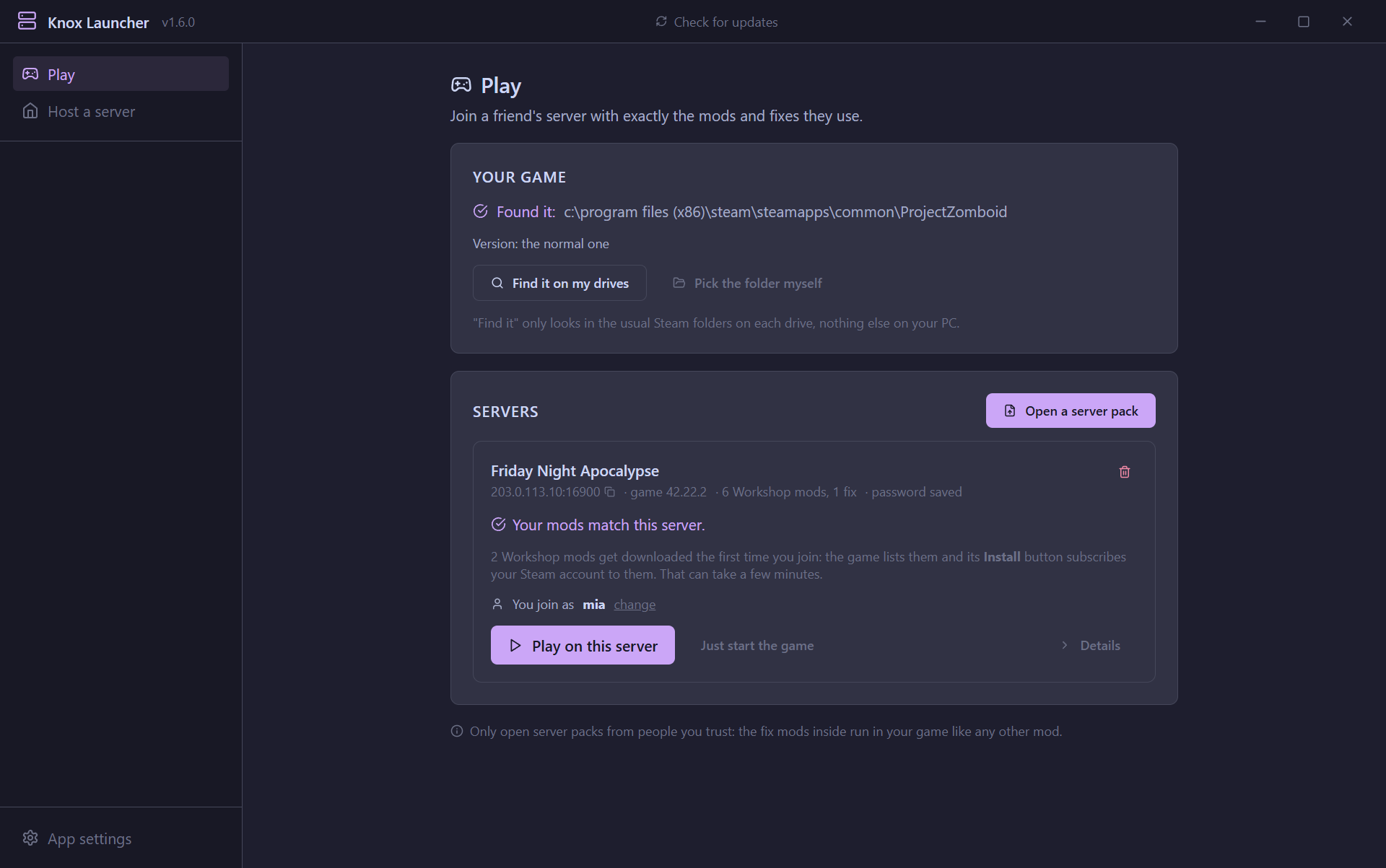
- Workshop mods download by themselves when a friend joins. the first join can take a while, that's normal.
- a mod updated on the Workshop while the server was running: players with the new version can't join until the server restarts with it. knox launcher can restart by itself with a 5 minute warning in chat.
- a friend's Steam hasn't downloaded the update yet: restarting Steam usually kicks it.
- mods that aren't on the Workshop (small fix mods, your own mods) have to be copied into everyone's
%USERPROFILE%\Zomboid\modsfolder. a knox launcher server pack carries those and installs them with one click.
7. Passwords and accounts
- there are two passwords. the server password is the same for everyone (leave it empty if the server has none). the account password is your own.
- there's no sign-up. the first time someone joins with a new username, the game makes that account with the password they typed. after that, it's how they log back in.
- if the game says the password is wrong for a username, someone already made that account. pick another name, or ask the admin.
- still kicked straight away? check they aren't banned. in knox launcher 1.6, the overview has a list of everyone who's played, with unban.
Still stuck?
look at the server log (%USERPROFILE%\Zomboid\server-console.txt) right when your friend tries to join. if nothing shows up at all, the connection isn't reaching the server: firewall, router or address. if something does show up, the message usually says what's wrong.
using knox launcher? app settings → Copy diagnostics makes a report with passwords, IPs and Steam IDs left out, ready to paste into a bug report.